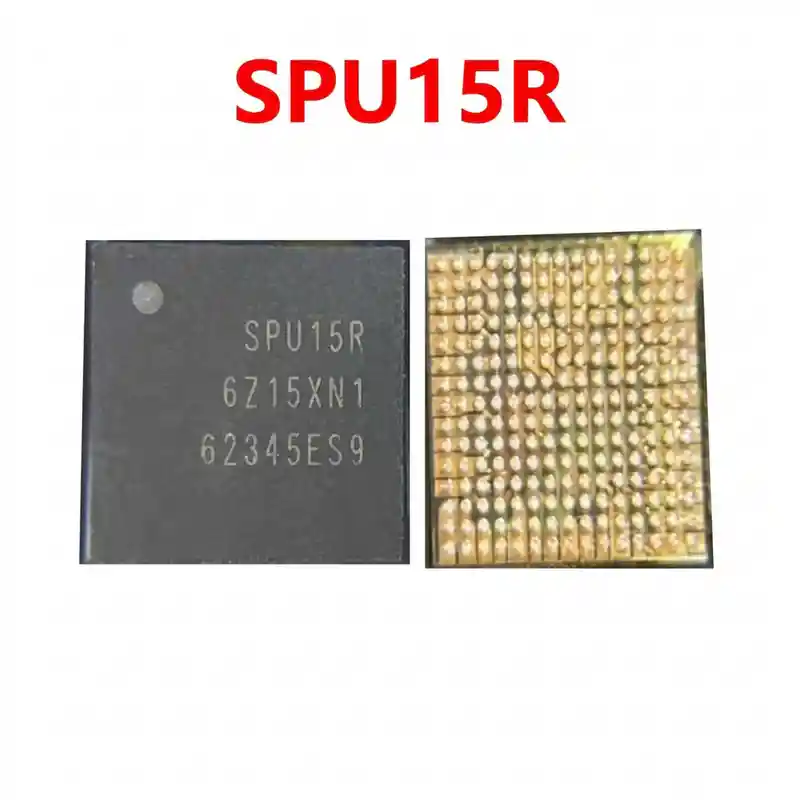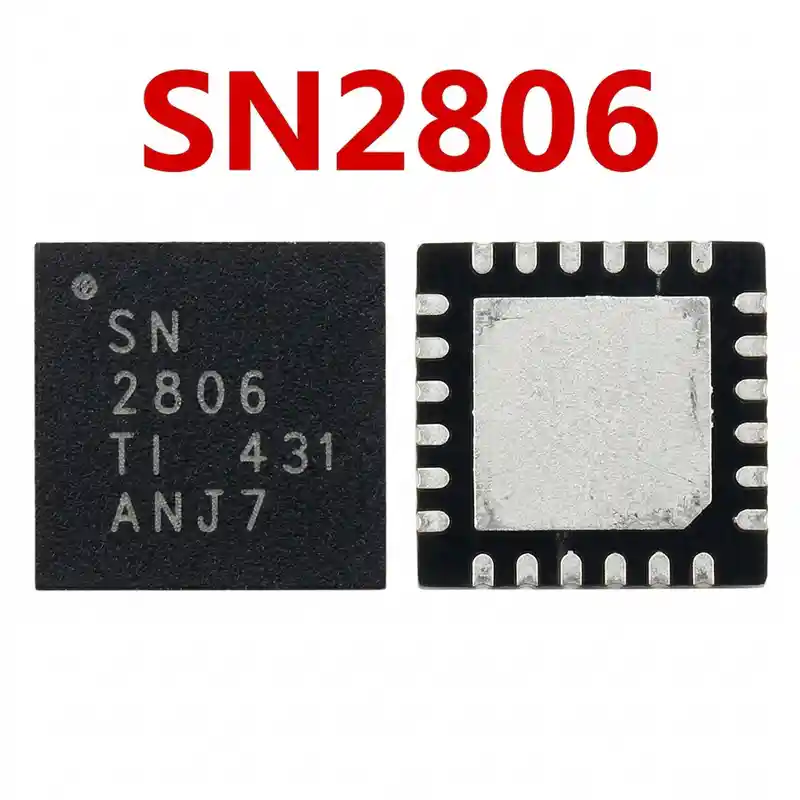

S620 IC
As low as
Rs 250.00
Worldwide shipping · Cash on Delivery
Product Details
====================================================================================================
SAMSUNG S620 WI-FI & BLUETOOTH IC REWORK & DIAGNOSTIC HARDWARE GUIDE
====================================================================================================
1. FUNCTIONAL ARCHITECTURE & CIRCUIT ROLE:
----------------------------------------------------------------------------------------------------
- Dual-Band Wi-Fi Baseband & RF Transceiver:
* Operates across both 2.4 GHz (802.11b/g/n) and 5.0 GHz (802.11a/n/ac) frequency bands with integrated
internal power amplifiers (PA) and low-noise amplifiers (LNA).
- Bluetooth 5.0 Baseband & Modem:
* Handles high-throughput audio streaming, Bluetooth Low Energy (BLE) peripheral discovery, and coexistence
algorithms to prevent mutual interference between Wi-Fi and Bluetooth on the 2.4 GHz band.
- High-Speed Host Bus Interface:
* Connects directly to the Samsung Exynos application processor via high-speed SDIO / PCIe lines, with dedicated
reference clock lines (usually driven by a 37.4 MHz or 38.4 MHz TCXO crystal oscillator).
- Internal Power Management & LDOs:
* Receives main battery power (VBAT / VDD_WIFI_3P3 ~3.8V to 4.2V), system I/O rail (VDD_1P8), and internal
core voltage (VDD_1P2), maintaining internal low-noise linear regulators for clean RF transmissions.
2. BOARD-LEVEL FAULT SYMPTOMS:
----------------------------------------------------------------------------------------------------
- Wi-Fi Toggle Button Grayed Out / Disabled:
* In phone Settings, tapping the Wi-Fi icon turns it gray or it instantly switches back to OFF. The system
fails to communicate with the S620 chip over the PCIe/SDIO bus.
- Bluetooth Address or Wi-Fi MAC Address Missing:
* Under Settings -> "About Phone" -> "Status Information", the Wi-Fi MAC Address displays as "Unavailable"
or "02:00:00:00:00:00", indicating zero baseband handshake with S620.
- Extremely Weak Signal Range (Proximity Only):
* Wi-Fi only detects routers when the phone is held within a few inches of the access point. This indicates
a blown internal RF amplifier / front-end switch inside S620 or a cracked external RF antenna inductor/filter.
- Phone Overheating & Rapid Battery Drain:
* The phone becomes noticeably hot around the upper RF shield even in standby mode. Internal transistor
leakage inside S620 creates a continuous parasitic drain (often drawing 150mA to 400mA steady current).
- Dead Motherboard Due to Primary Short:
* If the internal high-side power stage connecting to VBAT / VDD_MAIN breaks down to ground, the phone trips
the DC bench power supply instantly (0.000V in diode mode on the primary power line), preventing the phone
from booting.
3. STEP-BY-STEP MULTIMETER TESTING & DIAGNOSTICS:
----------------------------------------------------------------------------------------------------
A. Cold Testing (Diode Mode Check - Battery & Charger Disconnected):
1. Set digital multimeter to Diode Mode. Place the RED probe on ground (shielding frame) and probe surrounding
SMD decoupling capacitors and inductors with the BLACK probe:
- Main Power Input (VBAT / VDD_3P3 Line): Normal diode reading is ~380mV to 480mV (0.000V indicates
a shorted S620 chip or defective filter capacitor).
- Logic I/O Rail (VDD_1P8): Normal reading is ~400mV to 550mV.
- Core Baseband Supply (VDD_1P2): Normal reading is ~320mV to 430mV.
- RF Antenna Line: Check continuity from the S620 RF output filter to the coaxial antenna connector.
Ensure no series filtering capacitor or inductor is cracked.
2. Rosin / Thermal Camera Short Verification:
- If VBAT or VDD_WIFI is shorted (0.000V), coat the S620 area with rosin smoke and inject 3.8V DC
(current limit 2.0A). If S620 melts the rosin instantly, the chip has suffered internal breakdown.
B. Hot Testing (Operating Voltage Checks with Motherboard Powered On):
1. Power up the motherboard and navigate to Settings:
- Attempt to switch on Wi-Fi and immediately measure the decoupling capacitors near S620:
* Check for 3.3V RF supply voltage.
* Check for 1.8V digital I/O voltage.
* Check for 1.2V core logic voltage.
- If all input voltages and reference clock (38.4 MHz) are present, but Wi-Fi remains grayed out,
S620 has failed internally and must be replaced.
4. SOLDERING, REBALLING & REWORK SPECIFICATIONS:
----------------------------------------------------------------------------------------------------
- Location & Shield Preparation:
* S620 is located under the RF / Connectivity metal shielding on the upper half of the board. Cut or desolder
the shield carefully without warping the PCB.
- Desoldering & Thermal Protection:
* Apply protective heat-reflective aluminum tape over nearby sensitive components (Audio Codec, CPU, and UFS flash).
* Apply a small amount of high-grade RMA / NC-559 tacky flux around the chip edges.
* Hot air rework parameters: Temperature 330°C – 345°C, Airflow 30%–35%.
* Heat evenly for 18–25 seconds. Gently nudge the corner of S620 with micro-tweezers; as soon as it floats,
lift it straight up.
- Motherboard Pad Cleaning:
* Apply leaded solder paste (Sn63/Pb37, 183°C) onto the PCB pads using a soldering iron tip at 280°C.
* Level the pads smooth and flat using quality copper desoldering wick.
* Thoroughly clean the area with 99% pure Isopropyl Alcohol (IPA) and verify under a microscope that no
micro-pads are bridged or torn.
- Reballing Procedure:
* Use a dedicated Samsung A50 / A51 / S620 BGA stencil (0.12mm thickness).
* Evenly apply 183°C medium-viscosity leaded solder paste into the stencil apertures.
* Heat with hot air set to 280°C and low airflow (15%) until uniform, shiny solder balls are formed.
- Installation & Alignment:
* Apply an ultra-thin layer of tacky flux over the cleaned motherboard footprint.
* Align the Pin 1 orientation dot on S620 with the silkscreen corner mark on the PCB.
* Reflow using hot air at 310°C – 320°C with 25% airflow. The chip will self-align onto the pads through
solder surface tension.
* Allow the motherboard to cool down for 3 minutes before testing Wi-Fi and Bluetooth connectivity.
====================================================================================================
You may also like