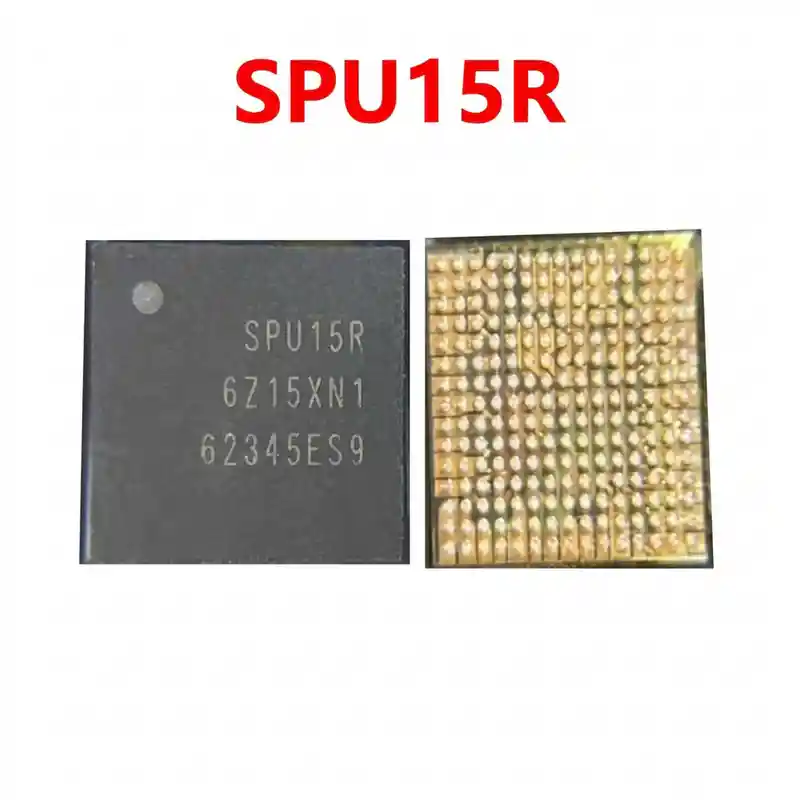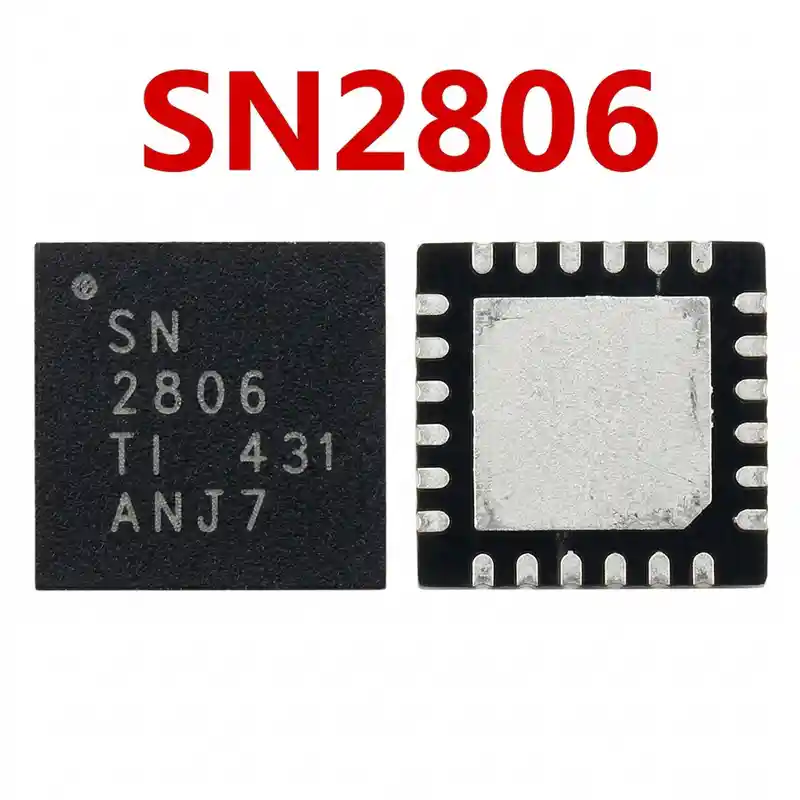

SN61280E IC
As low as
Rs 0.00
Worldwide shipping · Cash on Delivery
Product Details
====================================================================================================
APPLE IPHONE SN61280E (U3100) CAMERA VDD BOOST IC TECHNICAL REPAIR GUIDE
====================================================================================================
1. FUNCTIONAL ARCHITECTURE & POWER PATH:
----------------------------------------------------------------------------------------------------
- Primary Power Input (PP_VDD_MAIN):
* Receives main system battery rail (~3.7V to 4.3V) filtered by decoupling ceramic capacitors.
- Boost Inductive Stage (LX Switching Node):
* Drives an external power inductor to step up voltage during heavy camera load spikes
(focusing, zoom transition, and optical stabilization).
- Regulated Output Rails (PP_CAM_VDD_BOOST):
* Delivers clean, low-noise analog voltage (2.8V AVDD) and boosted current to the rear wide-angle
and telephoto camera modules.
- Control & Synchronization:
* Interfaced with the Apple Bionic processor and primary PMIC via I2C control bus and hardware
enable lines (CAM_BOOST_EN).
2. BOARD-LEVEL FAULT SYMPTOMS:
----------------------------------------------------------------------------------------------------
- Rear Camera Black Screen / App Freezing:
* Launching the camera app shows a black viewfinder, or the app freezes when switching between
1x and 2x zoom modes.
- Flashlight / Torch Greyed Out:
* When the camera power circuit or VDD boost rail fails, iOS automatically disables the flashlight
toggle in Control Center (icon turns grey and unclickable).
- Full Board Short Circuit (PP_VDD_MAIN Short - Completely Dead Phone):
* Internal silicon breakdown punctures the high-side FET directly to GND, dropping the entire
PP_VDD_MAIN rail to 0.000V in diode mode. The phone draws 2A+ on a DC bench supply and will not power on.
- Camera Shaking / Rattling / OIS Blur:
* Fluctuating or unstable boost output voltage prevents the Optical Image Stabilization (OIS)
magnets from holding the lens, causing visible vibration and buzzing noise.
3. MULTIMETER DIAGNOSTICS & SYSTEMATIC TESTING:
----------------------------------------------------------------------------------------------------
A. Cold Testing (Diode Mode - Battery Disconnected):
1. Place RED probe on motherboard Ground (shielding frame), probe with BLACK probe:
- Input Pin / Capacitor (PP_VDD_MAIN): Normal reading is ~350mV to 450mV. (0.000V = dead short).
- Boost Output Capacitor (PP_CAM_VDD_BOOST): Normal reading is ~450mV to 650mV.
- Boost Inductor (LX Switch Node): Normal reading is ~350mV to 460mV.
- I2C Communication Lines (SDA / SCL): Normal reading is ~420mV to 550mV.
2. Short Circuit Isolation:
- If PP_VDD_MAIN is shorted, inject 3.0V (2A) while observing with a thermal camera or rosin
smoke; if SN61280E glows hot, remove it to clear the short.
B. Hot Testing (Operating Voltage Mode - Phone Powered On):
1. Turn on the iPhone and launch the native Camera app:
- Input capacitor must read steady +3.8V to 4.2V DC.
- Boost output capacitor must jump to the rated camera operating voltage (~2.8V to 3.3V DC).
- Fault Conclusion: If input 4.0V is present and enable signal is high, but the boost output
remains 0V, SN61280E is dead and must be replaced.
4. MICRO-SOLDERING, REBALLING & REWORK SPECIFICATIONS:
----------------------------------------------------------------------------------------------------
- Stencil Selection:
* Dedicated iPhone 8/X/11 middle-layer or universal 0.35mm pitch BGA stencil.
- Chip Removal:
* Shield surrounding NAND flash, CPU, and connectors with heat-insulating copper tape.
* Apply premium low-smoke tacky flux (e.g., Amtech NC-559).
* Hot air rework parameters: Temperature 330°C – 340°C, Airflow 20% – 25%.
* Heat evenly for 10 to 12 seconds; lift vertically with fine-point micro tweezers once solder melts.
- PCB Pad Preparation:
* Refresh pad surfaces using Sn63/Pb37 leaded solder and a micro bevel soldering tip at 280°C.
* Flatten completely using fine copper desoldering wick and flux; clean with 99% pure IPA.
- Reballing & Installation:
* Reball using 183°C medium-temperature solder paste; reflow at 280°C hot air until uniform spheres form.
* Apply a thin film of transparent flux over the PCB pads.
* Align the Pin 1 orientation dot on SN61280E strictly with the motherboard silkscreen corner mark.
* Solder with hot air at 320°C – 330°C with 15% airflow until the chip aligns via surface tension.
* Allow 2 to 3 minutes of passive cooling before testing the Camera and Flashlight.
====================================================================================================
You may also like